Only Store What You Really Need
By Luan Nguyen · Published January 30, 2026
Postgres Tuning tips – Part 1
Only Store What You Really Need
A Strategic Approach to Postgres Performance
When we discuss “Postgres tuning”, the conversation almost always gravitates toward the hardware: adding more RAM, upgrading CPUs, tweaking configuration files, or optimizing complex SQL queries.
While those are valid strategies, they often overlook the most fundamental optimization strategy available. One that doesn’t require a single hardware upgrade. It starts with a simple business principle: Store only what you really need.
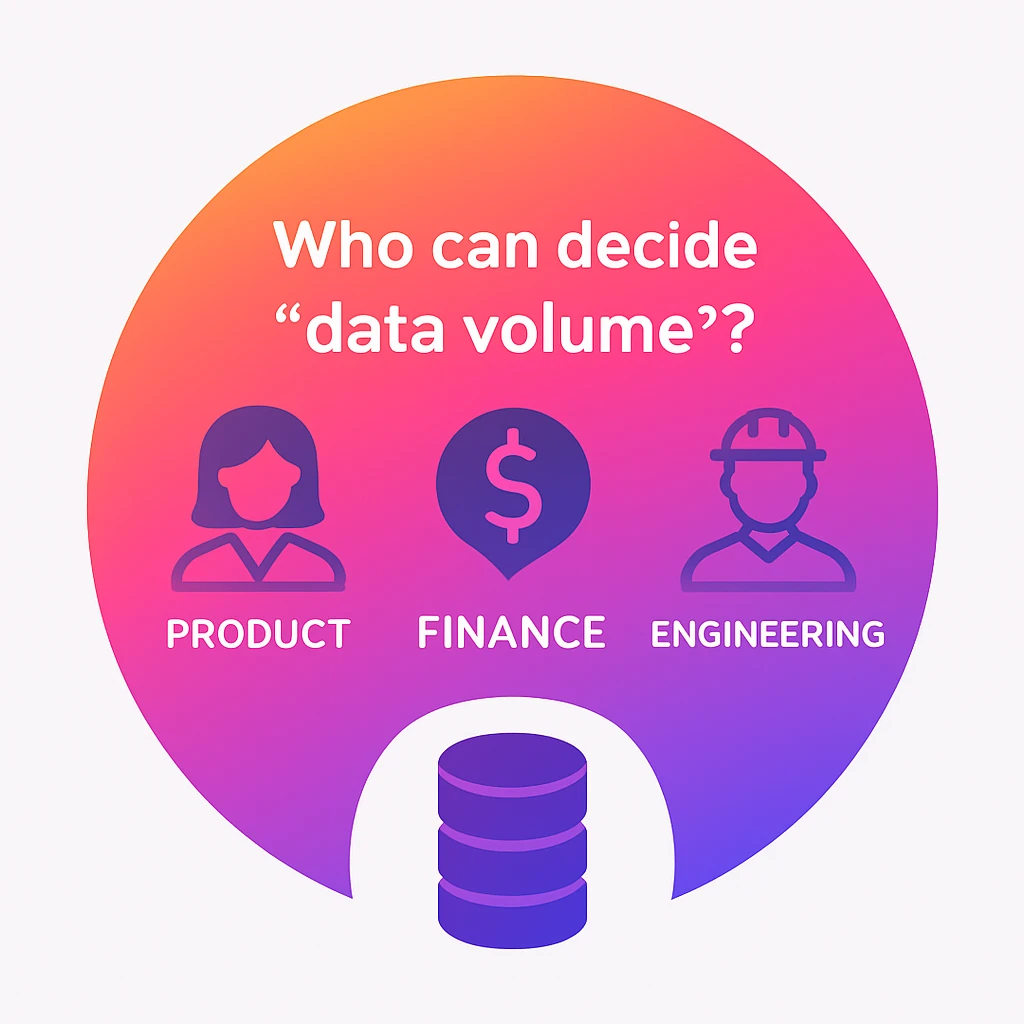
Data volume management is not merely an engineering best practice; it is a cross-functional responsibility that requires alignment between Product, Compliance, Finance, and Engineering.
Let’s break down why “less is more” when it comes to your database, and how to achieve it.
1. Who Decides “Data Volume”?
There is a common misconception that data retention is solely an IT problem. In reality, data volume is a business decision, not just a technical one.
Consider the following scenario:
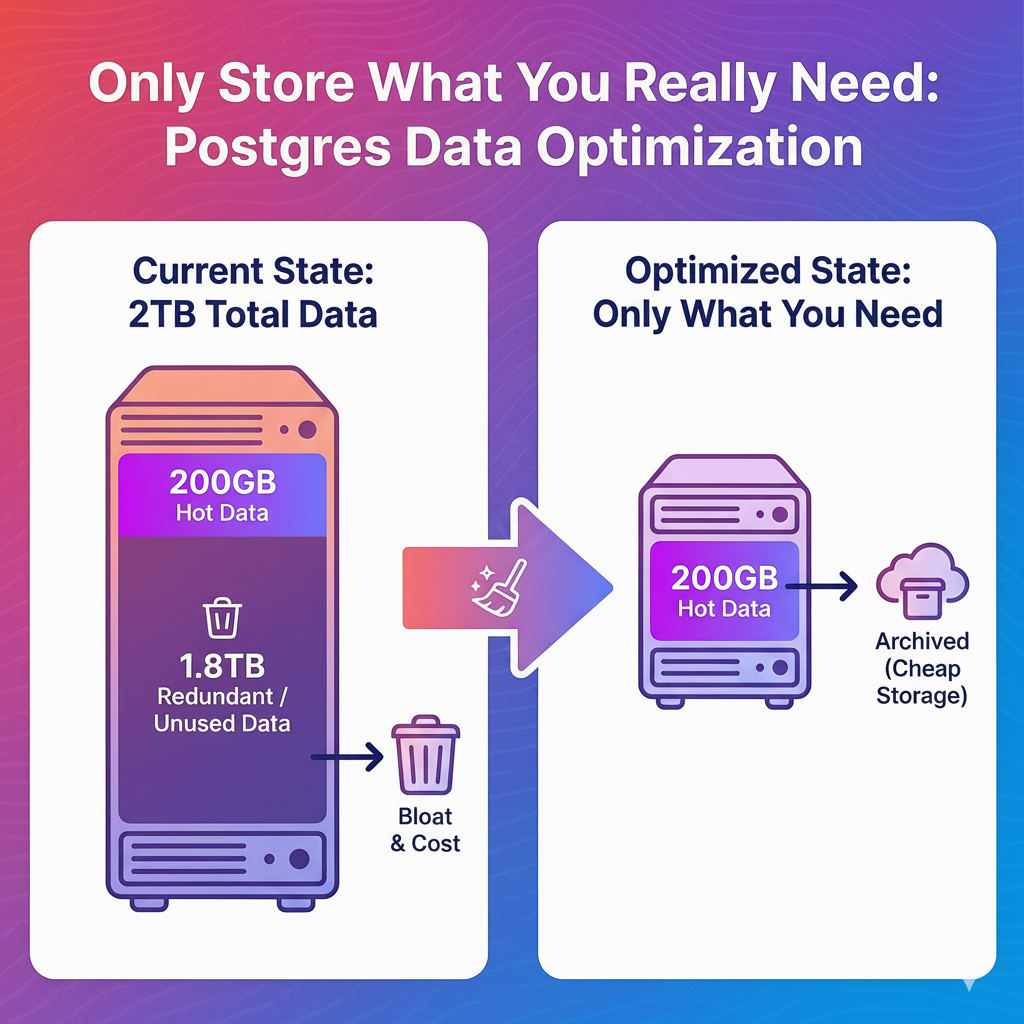
Total Historical Data: 2 TB
Active “Hot” Data (Needed for daily operations): 200 GB
Redundant/Unused Data: 1.8 TB
In this scenario, 90% of the storage is occupied by data that provides little to no immediate value. However, an engineer cannot simply run a command to “clean it up.” Without clear guidance from the business side, engineers are paralyzed by the risk of deleting data that might be needed for legal compliance or historical reporting.
The Takeaway: The Product and Compliance teams must define the retention policy. Only then can Engineering execute the cleanup safely.
2. The Invisible Impact of “Unused Data”
Why does it matter if we keep that extra 1.8 TB? If storage is cheap, why worry?
The reality is that “unused data” carries a heavy, often invisible tax on your infrastructure.
Infrastructure Costs
While individual storage units might seem inexpensive, they add up.
The Multiplier Effect: You aren’t just storing that 1.8 TB once. You are storing it in your primary database, your standby replica, your daily backups, and your pre-production environments.
The Bill: More data equals higher monthly cloud costs. Costs that often go unnoticed until they hit a critical threshold.
Database Performance & Health
Slower Recovery (RTO): If your database goes down, your Recovery Time Objective (RTO) is dictated by physics. Restoring 2 TB takes significantly longer than restoring 200 GB. During an outage, every extra hour of restore time is an hour your business is offline.
Heavier Maintenance: Routine maintenance tasks, such as reindexing or vacuuming, consume more CPU and I/O when the dataset is bloated.
Query Latency: Even with good indexing, massive tables can degrade the performance of READ and WRITE operations, making your application feel sluggish to the end-user.
3. How to Clean Up “Unused Data”
Once the business has defined the retention policy (e.g., “Keep logs for 90 days” or “Archive transactions older than 7 years”), how do we execute this technically?
Essentially, there are two approaches:
Permanent Deletion: Removing the data entirely.
Archiving: Moving the data to cheaper, colder storage (like AWS S3) before deleting it from the live database.
The Technical Strategy: Table Partitioning
While you can manage cleanup via application logic (running scripts to delete old rows), this is often inefficient. Deleting millions of rows in Postgres can actually generate more load and “bloat” the database temporarily.
The superior approach is Table Partitioning. By partitioning your data (e.g., by month or year), the database physically separates the files. When it is time to remove old data, you don’t delete rows one by one; you simply detach or drop the old partition.
The Benefit: Dropping a partition is instantaneous and frees up disk space immediately without stressing the CPU.
-- Create partman extention to manage table partition
CREATE SCHEMA partman;
CREATE EXTENSION pg_partman WITH SCHEMA partman;

BEGIN;
  -- Create tb_events table
  CREATE TABLE IF NOT EXISTS public.tb_events (
    event_id bigserial,
    event_name text,
    created_at timestamp NOT NULL DEFAULT now()
  )
  PARTITION BY RANGE (created_at);
-- Create partition
SELECT partman.create_parent(
p_parent_table => 'public.tb_events', -- Root table
p_control => 'created_at', -- Partition column
p_type => 'range', -- Partition type
p_start_partition => (current_date - interval '3 day')::text, -- Set the first partition
p_interval => '1 day', -- Interval
p_premake => 3 -- The number of partitions will be created
);
-- Config data retention
UPDATE partman.part_config
SET
infinite_time_partitions = true, -- Keep creating future partition
retention = '1 day', -- Data retention
retention_keep_table=false -- DROP old partitions. TRUE if archive table only
WHERE parent_table = 'public.tb_events';
END;
-- Look at the tb_events
Partition key: RANGE (created_at)
Partitions: tb_events_p20251123 FOR VALUES FROM ('2025-11-23 00:00:00') TO ('2025-11-24 00:00:00'),
tb_events_p20251124 FOR VALUES FROM ('2025-11-24 00:00:00') TO ('2025-11-25 00:00:00'),
tb_events_p20251125 FOR VALUES FROM ('2025-11-25 00:00:00') TO ('2025-11-26 00:00:00'),
tb_events_p20251126 FOR VALUES FROM ('2025-11-26 00:00:00') TO ('2025-11-27 00:00:00'),
tb_events_p20251127 FOR VALUES FROM ('2025-11-27 00:00:00') TO ('2025-11-28 00:00:00'),
tb_events_p20251128 FOR VALUES FROM ('2025-11-28 00:00:00') TO ('2025-11-29 00:00:00'),
tb_events_p20251129 FOR VALUES FROM ('2025-11-29 00:00:00') TO ('2025-11-30 00:00:00'),
tb_events_default DEFAULT
  -- Insert test data into tb_events
INSERT INTO public.tb_events (event_name, created_at) VALUES
  ('clean-up-event', (current_date - interval '3 day' ) ),
  ('clean-up-event', (current_date - interval '2 day' ) ),
  ('keep-event'    , (current_date - interval '1 day' ) ),
  ('keep-event'   ,  current_date );
SELECT * FROM tb_events;
 event_id |   event_name   |     created_at
----------+----------------+---------------------
        1 | clean-up-event | 2025-11-23 00:00:00
        2 | clean-up-event | 2025-11-24 00:00:00
        3 | keep-event     | 2025-11-25 00:00:00
        4 | keep-event     | 2025-11-26 00:00:00
(4 rows)
-- Run pg_partman maintenance (require to schedule). Here I call manually for testing purpose.
CALL partman.run_maintenance_proc();
-- With retention = 1 day => clean 2 old rows
SELECT * FROM tb_events;
 event_id | event_name |     created_at
----------+------------+---------------------
        3 | keep-event | 2025-11-25 00:00:00
        4 | keep-event | 2025-11-26 00:00:00
-- Optional
CREATE EXTENSION pg_cron;
SELECT cron.schedule(
  'pg_partman_maintenance',
  '* * * * *',              -- RUN every minute
  $$CALL partman.run_maintenance_proc()$$
);