
Support
Isbricka support
Isbricka is a free mahjong solitaire by Luminbrane AB. The road through Sweden is free; more trips, such as Norway, can be bought once each.
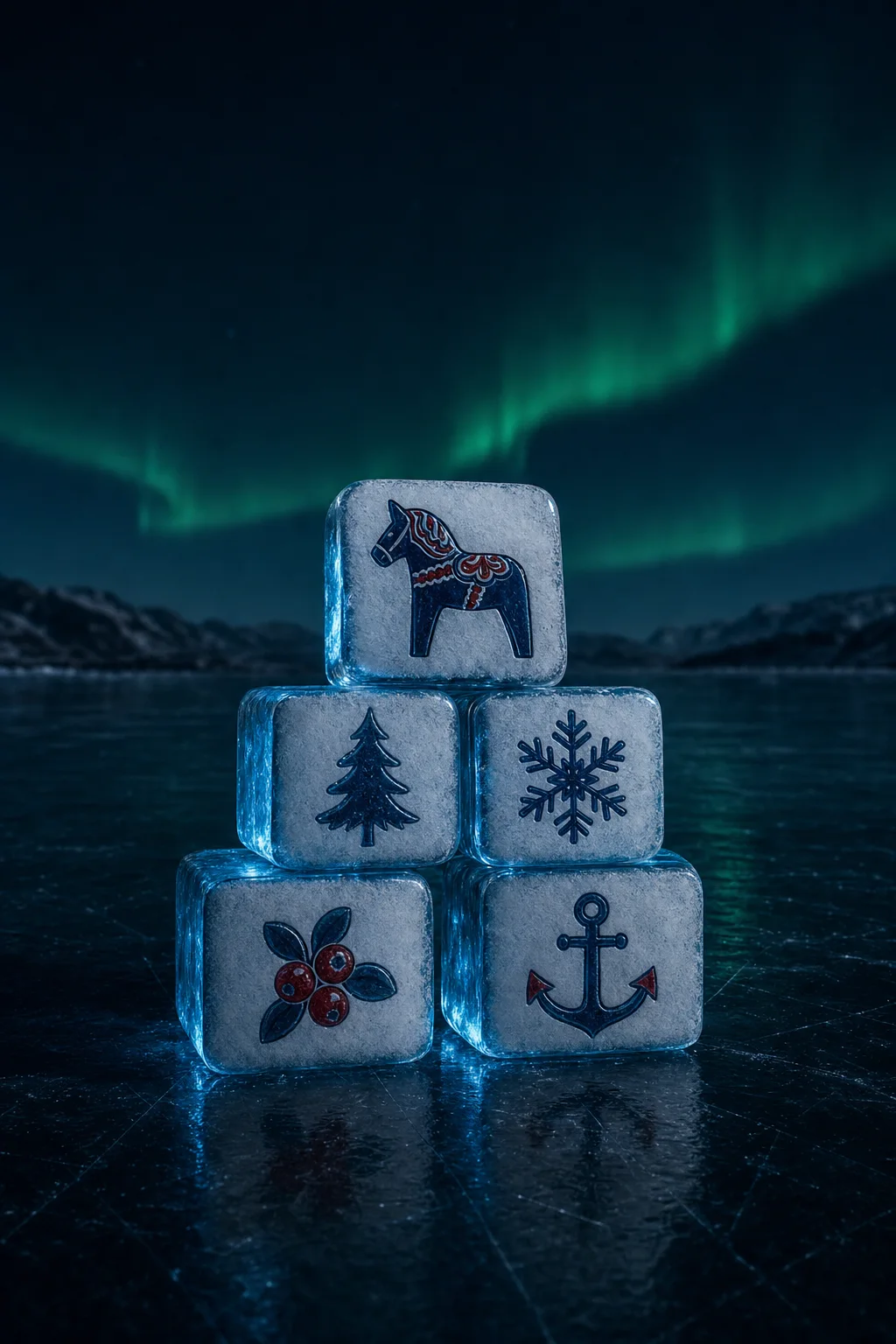
How to play. Tap two free tiles with the same picture to remove them; they shatter as ice. A tile is free when nothing lies on top of it and its left or right side is open. Free tiles are bright; blocked tiles sit in shadow. Clear every tile to finish the deal.
Turning the tower. Swipe sideways, or tap the round arrows at the bottom corners, to turn the tower and reach tiles on the far side. Turning never changes which tiles are free.
Flat view and zoom. If the turning tower is not for you, open settings and set View to Flat: the board lies flat, straight on, and nothing moves but the tiles you match. In either view, pinch to zoom in for larger tiles and move two fingers to look around (one finger in the Flat view). Double-tap empty space to see the whole board again.
Rack mode. Tap New at the top and choose Rack. Then you take one free tile at a time to a rack of four at the top (at the left when the screen is wide). When its partner joins it, both shatter. If the rack fills up, use Undo, or Shuffle to put the rack back and deal the faces again. Classic is the usual way of playing and stays the default.
Hint, undo and shuffle. The three buttons at the bottom are free and unlimited. When no pair is left, the game offers a shuffle; there is no game over. Every deal can be solved.
Your Photos. In settings, choose "Your Photos" under Tiles, or tap "Your Photos" below the settings. "Choose Photos" lets you pick up to 36 photos; "Use All My Photos" lets the game use your whole library, with new photos each deal. Each photo becomes one face on four tiles; when a deal needs more faces than you have photos, the rest are Carved tiles. The Daily deal always uses the built-in tiles, so everyone sees the same deal. Your photos stay on your device; "Remove My Photos" deletes the copies the game keeps.
The menu. The four buttons at the top are Daily (today's deal), Journey (the fox's trip, the map and your postcards), New (a new deal, its size and Classic or Rack) and Settings.
The journey. Every deal you clear walks the fox one step along the road. Every five steps is a new place with a winter postcard, a line from the fox and a short fact. Tap Journey to see the map and your postcards, one album page per country.
Norway and other trips. When you like, tap Journey, then Where Next, and choose a country. Sweden is free. Norway (the Fjord Road, with a puffin) is a one-time purchase through the App Store or Google Play, shared with your family through Family Sharing on iPhone. On iPhone its postcards download after the purchase; keep the app open for a moment with an internet connection. If a trip you bought is missing, for example on a new device, tap Restore Purchases on the trip's card or in settings. Refunds are handled by Apple (reportaproblem.apple.com) or Google Play.
Daily deal. Tap Daily at the top to play today's deal. It is the same for everyone that day. Finishing it on consecutive days builds a streak. The Daily card shows the calendar of the days you finished, month by month, and your frost days, which keep your streak when you miss a day.
Sharing. "Share" on the cleared card, "Share Month" in the calendar and "Tell a Friend" in settings open your phone's own share sheet with a picture and a few lines of text, so you can send them in Messages, WhatsApp or anywhere else. Isbricka itself sends nothing: you choose where it goes. Long streaks and firsts, such as your first 144-tile deal, get a gold banner of their own.
Settings. Tap Settings at the top to choose the tiles (Carved, Folk Art, Nature Plates, Simple or Your Photos), the background, the light and the sounds, and to turn the free-tile glow, vibration or the tilt effect off.
My progress. Your streak, the deals you finished, your journey and postcards, your settings and the game in progress are stored on your device only, and deleting the app deletes them. The trips you bought are kept by the App Store or Google Play and come back with Restore Purchases.
Something is wrong. Write to [email protected] and tell us your device model and iOS version.